
In this guide
An online booking system should remove work from the business, not move the same phone calls into a different inbox. A calendar is only one part of the product. The important part is the agreement between a customer and the team about what happens next.
Before choosing a tool or commissioning a custom build, write down how bookings work today. Include the steps that are normally handled from memory: who confirms a request, what counts as available, and what happens when somebody cancels.
Define what a booking means
A request is not always a confirmed appointment. Some businesses need to check the job before accepting it. Others can confirm immediately because a service has a fixed duration and a known set of resources.
Make the distinction visible. A “Request an appointment” button should not produce a message saying “You're booked” if a member of staff still needs to approve it.
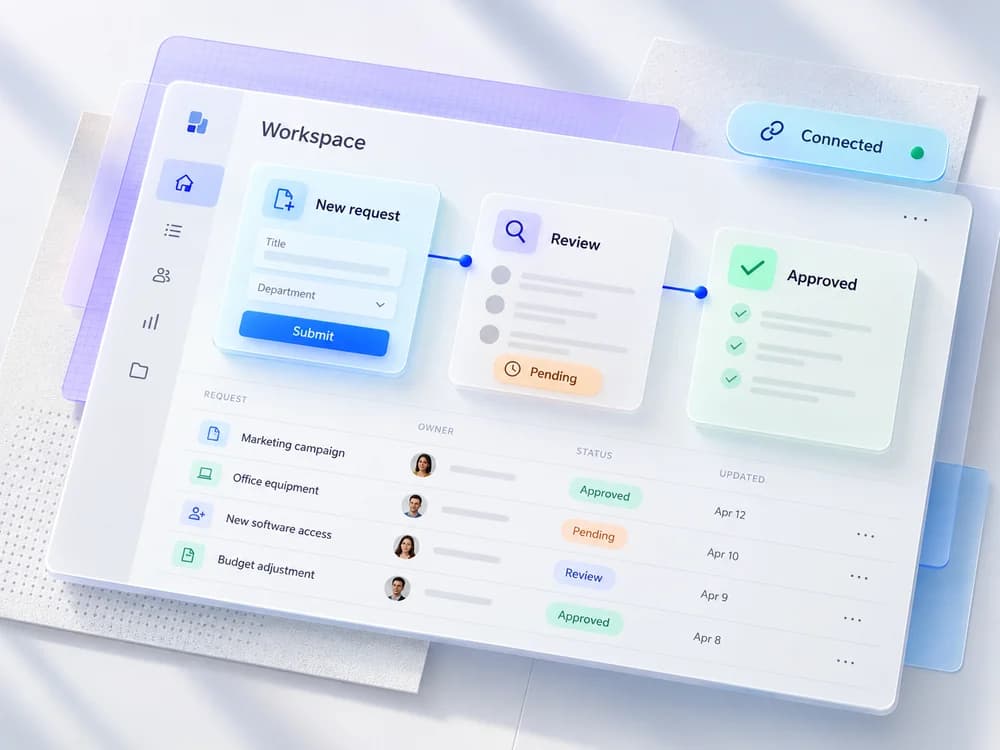
Document the states your team uses: requested, confirmed, cancelled, completed, or no show. Keep the list small, and decide who can change each state.
Availability is a business rule
Availability may depend on a staff member, a room, a piece of equipment, or all three. A lesson might need one teacher; a salon service might need a particular staff member and a treatment space.
List the constraints that affect the schedule:
- The service duration and preparation time.
- Staff shifts, breaks, holidays, and days off.
- Travel time or cleanup between appointments.
- How far ahead customers can book.
- Whether walk ins and phone bookings use the same schedule.
If two customers choose the same remaining slot, the system must resolve the conflict before confirming both. A slot looking free on the screen is not enough; availability has to be checked when the booking is accepted.
Confirmations should answer the next questions
A useful confirmation includes the service, date, time, location or meeting instructions, and a way to contact the business. Make the time zone explicit when customers and staff may be in different places.
Tell the customer how to reschedule or cancel, whether payment is required, and whether anything needs to be prepared. Keep the message short enough to read on a phone.
Reminders can be helpful, but decide who receives them and when. Check delivery failures and duplicate messages. Sending three reminders for the same booking is not a better experience than sending none.
Give staff a workable daily view
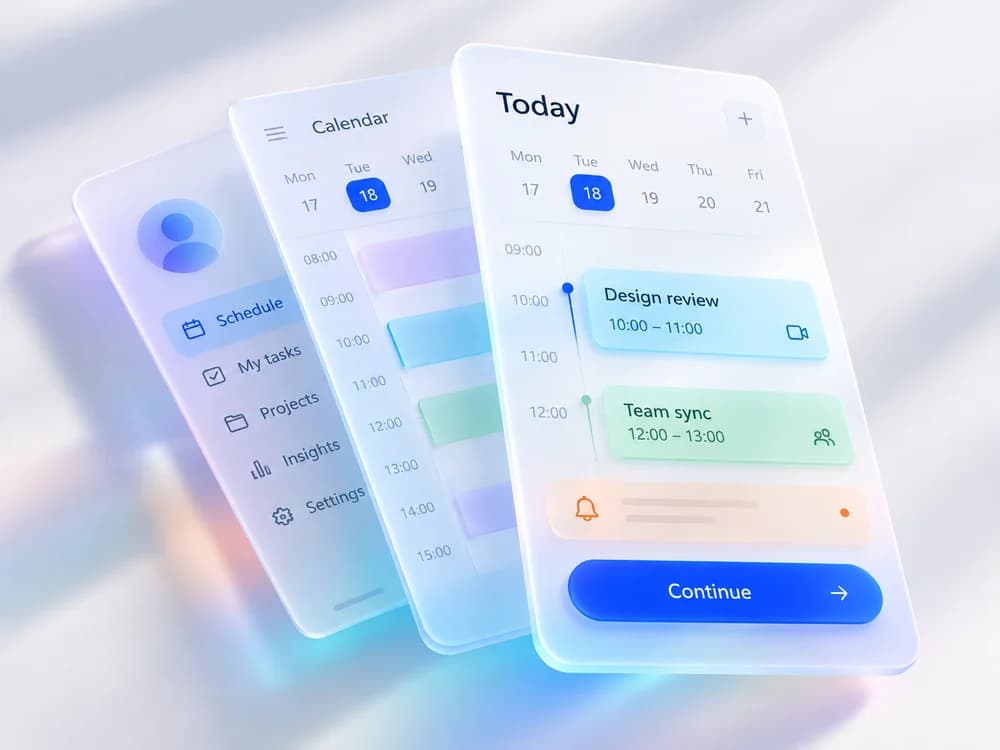
Staff should be able to see today's appointments, identify requests that need a response, and record changes without opening five separate screens.
An owner may need reports, while a team member may only need their own appointments. Define permissions around the job. Avoid giving every account unrestricted access just because that is quicker to build.
Include phone bookings and walk ins in the same process where possible. If the online schedule and the front desk diary disagree, the system has created another place to check rather than a reliable source of information.
Plan cancellations and payment failures
Write the cancellation and rescheduling rules in plain English before turning them into software. If a customer changes an appointment, decide when the original slot becomes available again and how staff are notified.
If you accept payments, a successful payment and a confirmed booking need to be reconciled. Ask what happens when payment succeeds but the confirmation is interrupted, or when a customer retries after a timeout.
Use a suitable payment provider and avoid collecting card details in a custom form. The system should store the references needed to check payment status, rather than unnecessary payment information.
Off the shelf or custom?
Start with a clear requirements list. An existing scheduling service may be enough for a straightforward appointment workflow. Evaluate data export, staff permissions, recurring costs, integrations, and the experience on a phone.
A custom system makes more sense when the workflow has requirements that suitable existing tools cannot handle well. For example, scheduling several shared resources or connecting bookings to a specialist internal process may need more control.
Do not build from scratch just to change a button colour. Read website versus web app if you are unsure how much custom application work the project needs.
A launch checklist worth keeping
Before launch, test these journeys with staff:
- A customer makes a normal booking and receives the correct confirmation.
- Two people try to book the last available slot.
- A customer cancels or reschedules.
- A staff member becomes unavailable.
- A phone booking is added by the team.
- A payment or notification fails.
- A staff account is removed and loses access.
- Booking records can be exported and recovered from a backup.
Start with one service and a manageable schedule if that lets the team learn the workflow safely. The best first release is not the one with the most calendar features. It is the one customers and staff can rely on.
See how ZeroBytes builds custom booking systems and use our website cost guide to prepare a scope focused brief.
Need a booking workflow that standard tools cannot handle?
See how ZeroBytes approaches custom booking systems, then send us one example booking from request to completion.