
In this guide
A website helps people understand your business. A web application helps people do something with your business. That distinction is more useful than the technology underneath either one.
The boundary is not absolute. A marketing website can contain a booking widget, and a web application can contain public information pages. Start by describing the work you need the product to do, rather than choosing a label first.
When a website is enough
A business website is usually the right starting point when visitors need to read about your services, check your location, see examples of your work, and contact you.
For example, a local tuition centre might need course pages, teacher information, opening hours, and an enquiry form. The staff can handle the enquiry through their existing process. There is no immediate need to build a new student account system.
A good website still requires careful design. Visitors should understand the offer, find the right information on a phone, and complete the next step without hunting through menus.
When you need a web application
A web application becomes useful when the browser needs to support an ongoing workflow: customers sign in, staff update records, different users see different information, or an action changes shared business data.
Examples include a customer portal, a course platform, a stock dashboard, or a booking system connected to real availability. These products need rules as well as pages.
If a customer books the last available slot, the system has to prevent a second customer from booking it too. If a staff member leaves, their account access needs to be removed. These are application requirements, not just design details.
A quick comparison
| Question | A website usually covers it | A web app may be needed |
|---|---|---|
| What can visitors do? | Read, browse, enquire | Log in, book, pay, manage records |
| Where does information change? | An editor updates published content | Users and staff update shared data |
| Who needs access? | Mostly public visitors and a content editor | Customers, staff, managers, administrators |
| What needs testing? | Pages, forms, navigation, mobile layouts | Those plus permissions, data rules and failure cases |
| What happens after launch? | Content changes and maintenance | Ongoing product support and workflow improvements |
Do not treat this table as a rigid checklist. One authenticated form does not automatically justify a large custom build. The important question is how much business logic you need to own.
Five questions to make the decision
Does someone need an account? If not, public pages and a well designed form may be enough. If they do, explain what information the account stores and what the person can change.
Does an action affect another user? Shared availability, stock, or approvals introduce coordination. Describe who wins when two actions happen together.
Can an existing service handle the workflow? A suitable booking or payment tool may cover the requirement. Check branding, data export, permissions, and recurring costs before choosing.
Does the business already have a process? Software should support an understood workflow. If the team handles the same request differently every time, settle the operating rules first.
Who will maintain it? A product that owns business data needs a support plan, backups, and a clear handover. Build those responsibilities into the scope.
Do not buy a dashboard before you need one
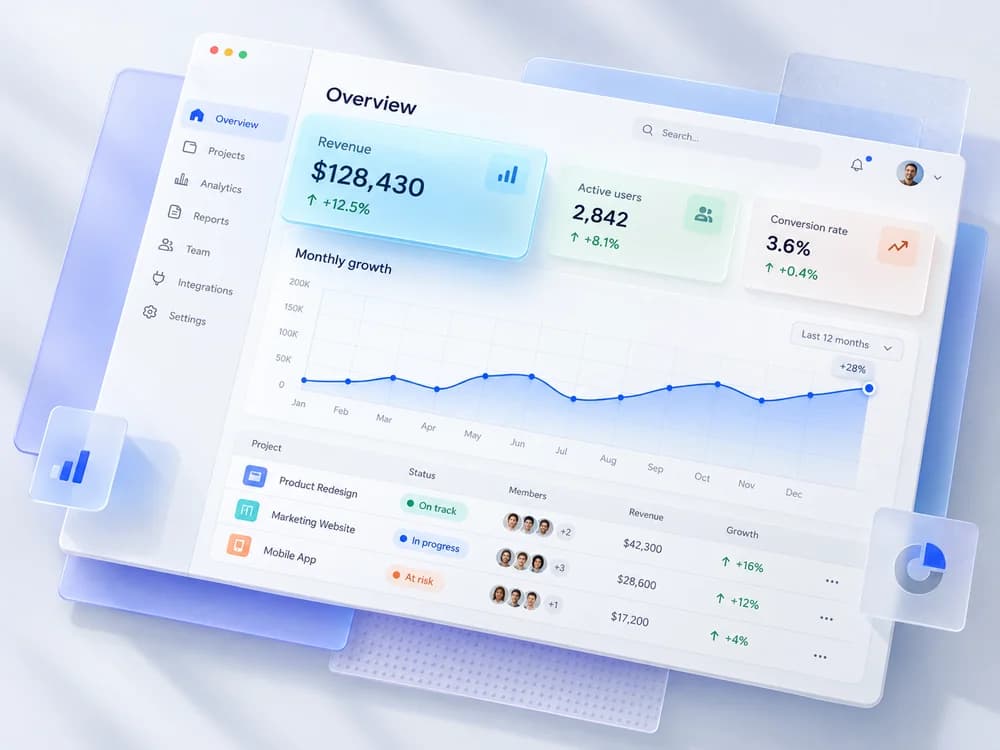
A dashboard can look impressive in a proposal and still add little value. If one person checks a few enquiries each week, a well organised inbox might be the better first step.
Write down the repeated task a dashboard would replace. Then specify the view or action that saves work: “Show bookings that have not been confirmed,” for example, is more useful than “Create an admin dashboard.”
If the task is spread across spreadsheets, read when to move from spreadsheets to custom software. Sometimes the next step is improving the spreadsheet, not replacing it.
A sensible first version
For a service business, the first release could be public service pages, a reliable enquiry form, and a simple editing workflow. Later, real demand may justify accounts, appointment management, or online payments.
For a booking business, the first release might need live availability from day one. In that case, the booking workflow is the core product and should not be postponed behind decorative features.
Keep one coherent customer journey in the first version. “A visitor can find a service, request an available appointment, and receive confirmation” is a scope you can test.
Budget for the right kind of work
Public pages mainly require design, content, and publishing. Applications also require data modelling, permission rules, integrations, and more extensive testing.
That difference explains why two sites with a similar number of screens can have very different quotes. Our website cost guide explains how to compare the scope, not just the total.
Choose the smallest product that handles your real workflow well. It should solve a current business problem and leave a clear path for the next useful improvement.
Know which side of the line you are on?
A public site that informs and takes inquiries is a website. Accounts, payments and shared records make it a web app. Each has its own page.