
In this guide
A spreadsheet is not an embarrassing first version of software. It is often the right tool for a small team, a changing process, or a task that needs flexible analysis. Replacing it is only worthwhile when the next system solves a problem the business actually has.
The decision becomes clearer when you separate the spreadsheet itself from the work around it. Is the team analysing information, or spending its day copying rows between files, checking versions, and asking who changed a value?
When keeping the spreadsheet is sensible
Keep the spreadsheet when a few people use it, the structure changes often, and mistakes are easy to detect and correct. A simple planning model or a one off analysis may not need its own application.
Before replacing it, improve the basics: use clear column names, consistent data entry, separate input from calculated fields, and document which file is the current one. Those changes may solve the immediate problem.
Do not treat a polished dashboard as evidence that a new system will be better. The real test is whether it reduces errors or effort in a workflow people can describe.
Signs that the process has outgrown the file
There are several competing versions. Staff cannot tell which record is current, or important information lives in a different file for each department.
The same information is entered repeatedly. A booking becomes an invoice, then a stock update, then a report, all through manual copying. Each copy creates another chance for disagreement.
Access rules matter. Some staff should see or change only part of the information. Sharing an entire file is no longer a good fit for the job.
Changes need a history. The business needs to know who approved a request, when it changed, and what it looked like before the change.
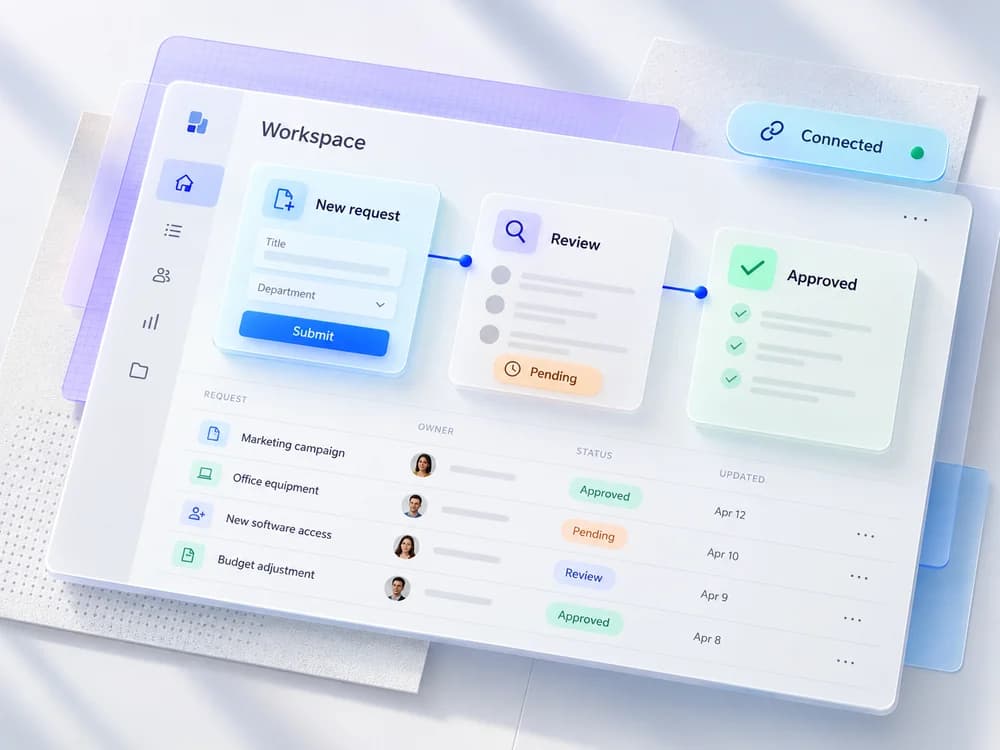
A missed step creates a real operational problem. Orders are not assigned, follow ups are forgotten, or the team relies on one person's memory to move work along.
One warning sign does not automatically mean “build custom software.” It means investigate the workflow and possible tools.
Map one process before shopping for software
Choose a repeated task and write it out from beginning to end. For an order workflow, that might be enquiry, quote, approval, delivery, and completion.
For each step, record:
- Who owns it.
- Which information is needed.
- What changes in the record.
- What happens when the step is rejected or delayed.
- Which other systems need to know about it.
Use a real example from the team, with sensitive information removed. A process diagram based on an actual order is more useful than a list of abstract features.
Compare three options, not two
The choice is not simply spreadsheet or custom app.
| Option | Best fit | What to check |
|---|---|---|
| Improve the spreadsheet | A small, flexible process | Ownership, validation, documentation and backups |
| Adopt an existing business tool | A common workflow with suitable products | Permissions, exports, integration and recurring fees |
| Build custom software | A distinctive workflow existing tools handle poorly | Scope, maintenance, migration and handover |
An existing product can be quicker to adopt, but do not ignore the work of configuration and staff training. Custom software gives you more control, but that control comes with a support responsibility.
Start with the bottleneck
If the main problem is tracking approvals, build the approval flow first. If it is duplicated customer information, start with one reliable customer record. Do not replace every spreadsheet at once simply because they share a folder.
Define what a successful first version means. For example: “Each order has one owner, one current status, and a visible next action.” That can be tested by the people doing the work.
Keep a list of features that can wait. Reports that nobody uses, elaborate settings, and speculative automation can distract from the change that would make the team's day easier.
Treat migration as part of the product
Old data rarely arrives ready to import. Expect duplicate names, inconsistent dates, missing fields, and values that only make sense to the person who entered them.
Agree on the fields that need to survive, clean a sample, and test the import before moving the full dataset. Preserve a recoverable copy of the original files. Decide how the team will check that records were transferred correctly.
Plan the transition too. Running the spreadsheet and the new app side by side for a short verification period may help, but decide which system becomes authoritative and when. Otherwise the business ends up maintaining two versions indefinitely.
Ask about life after launch
Who can export the data? Who controls hosting and source code access? How are backups checked? Who removes departed staff accounts? How will a future change be priced and reviewed?
Those questions should be answered before the business depends on the system. They matter more than the number of charts on the home screen.
If the workflow mostly involves customer interactions, our website versus web app guide helps frame the project. If it involves appointments, use the booking system checklist. Build the smallest reliable system that removes the bottleneck, then improve it from actual use.
Has a spreadsheet reached its limit?
Tell us about the one task that causes the most trouble. We will help assess the simplest useful next step, including whether an existing tool would do.